 Melo
MeloWallpapers · Widgets · Couple Space
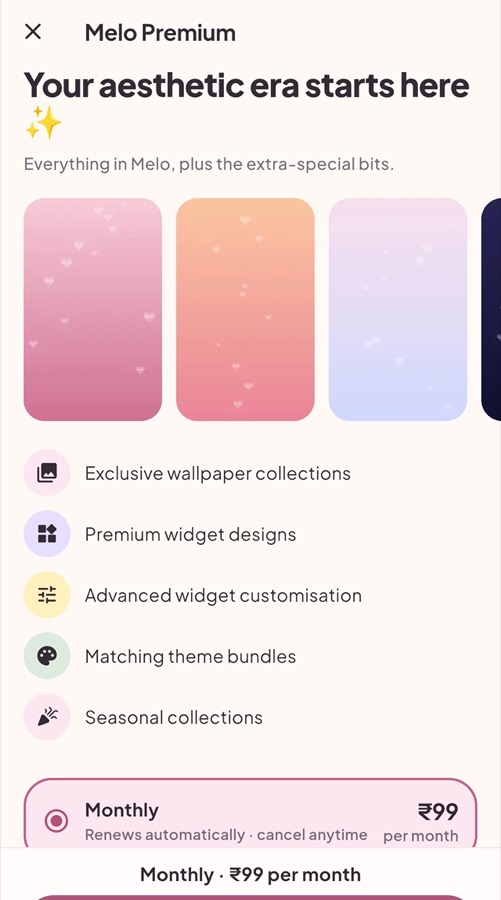
Make your phone
feel like you.
Melo is a cosy little app for aesthetic wallpapers, cute home-screen widgets and matching themes — plus a private Couple Space where your notes, moods and dates appear on both your phones.
Free to download · Android · Optional Melo Premium
Little details. Big feelings.
Everything you need to give your home screen a soft, personal look — no design skills needed.
Aesthetic wallpapers
Hand-picked collections — Pink Romance, Soft Pastels, Lavender Dreams, Minimal and more. Set them in one tap.
Cute widgets
Clocks, photo frames, polaroid stacks, countdowns and notes that live right on your home screen.
Theme Maker
Match your wallpaper, widgets and colours into one look — then save it and switch any time.
Couple Space
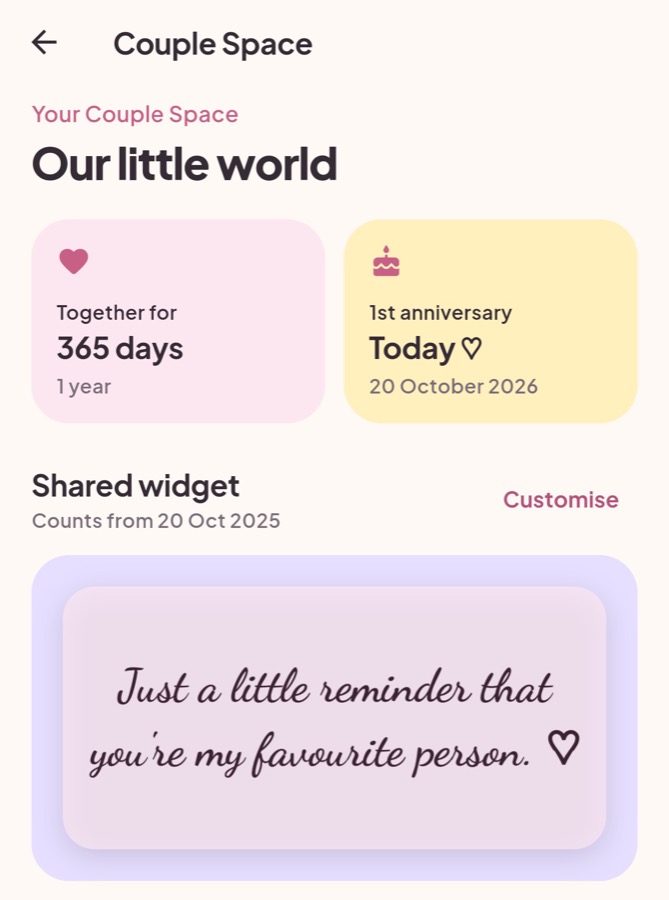
A private space for two: days-together counter, love notes, moods, dates and a tiny shared drawing board.
Couple Space
Two phones, one little world.
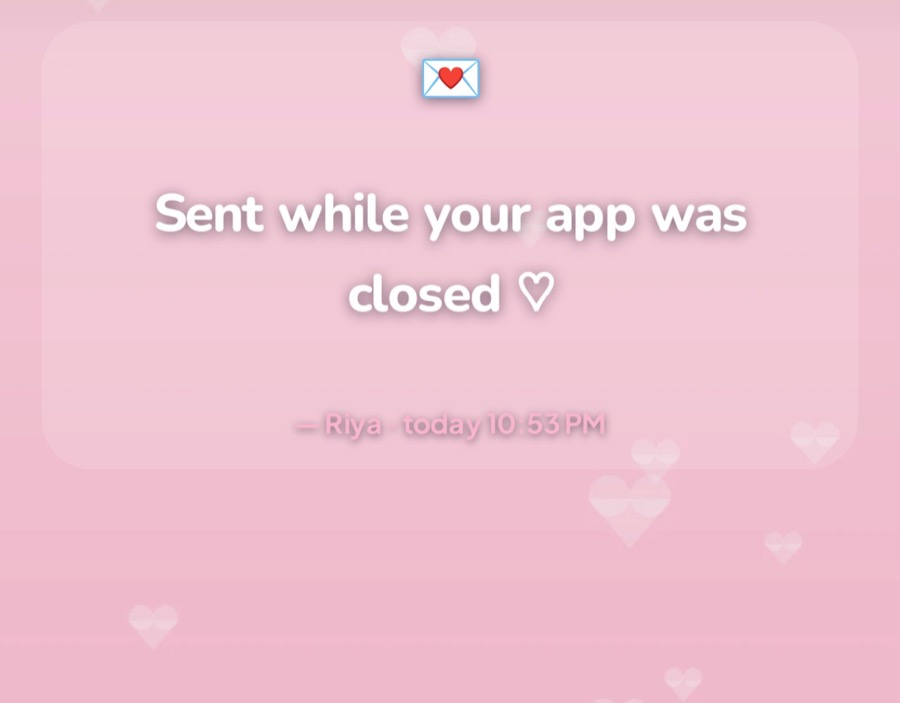
Share a space with your person and your widgets stay in sync. When they leave you a note, it shows up on your home screen within seconds — even when the app is closed.
- Create your spaceName it and pick the day your story started.
- Invite your personShare your code (like MELO-AB12CD). They join from their own phone.
- Add the widgetsDays together, love notes, moods, next date, drawing board — on both phones.
Private by design: only the two members of a space can see what's inside it.
Questions
Is Melo free?
Yes. Most wallpapers and widgets are free. Melo Premium is optional.
How do I sign in?
With your email. We send you a 6-digit code — no password to remember.
Does my partner need Melo too?
Yes, each of you uses Melo on your own phone and joins the same Couple Space with an invite code.
Can other people see my Couple Space?
No. Only the two members of a space can see its notes, moods, dates, photos and drawings.
How do I cancel Premium?
Cancel any time from Google Play → Payments & subscriptions → Subscriptions, or as shown in the app. You keep Premium until the end of the period you paid for.
How do I delete my account?
In the app: Profile → Delete account. See Delete your account for details.
Your aesthetic era starts here ✨
Download Melo and give your home screen a little love today.